

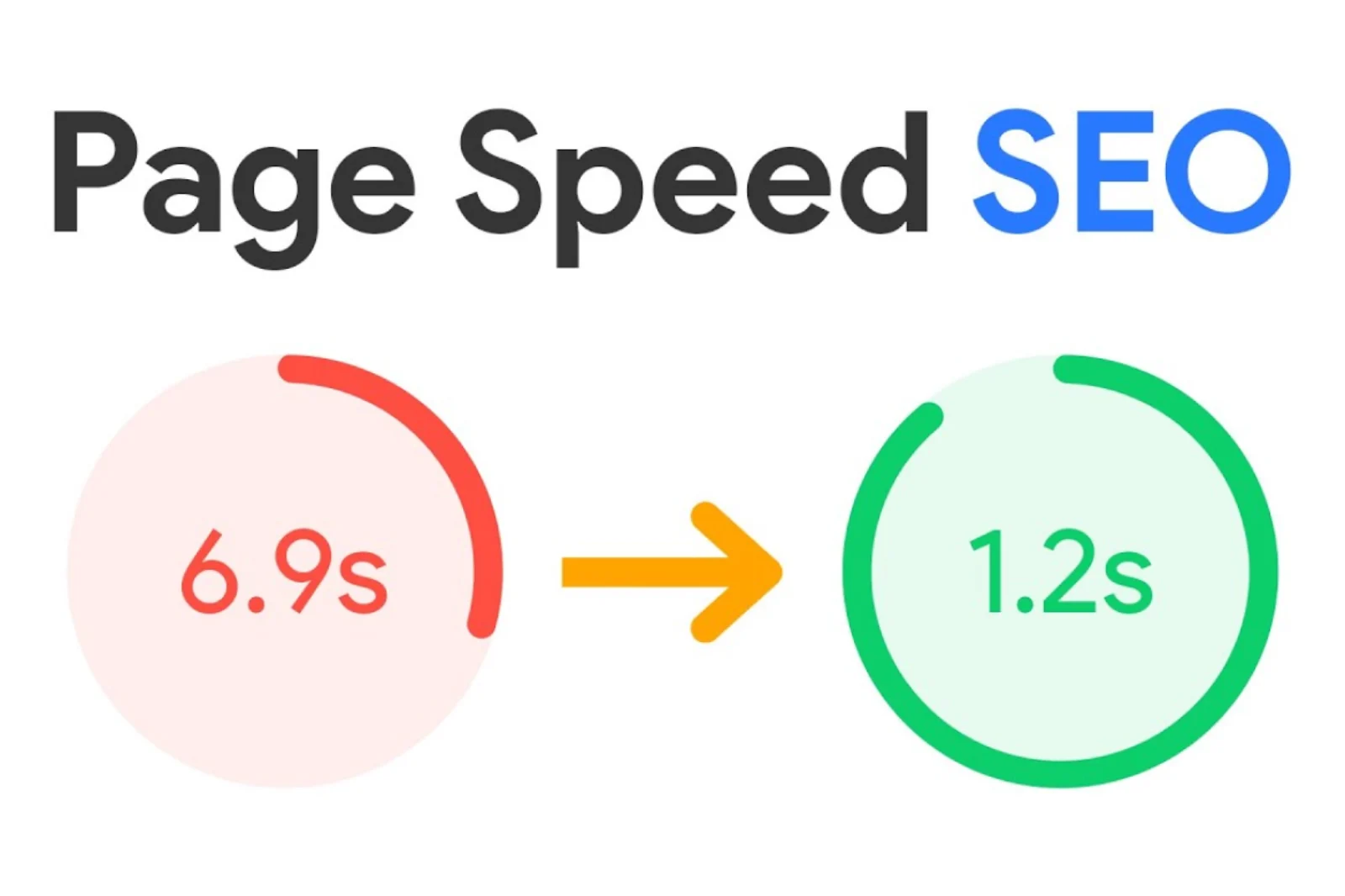

1. Why speed matters for WordPress
Website speed directly shapes user retention, conversion rates, and organic rankings. Studies show that 40% of visitors leave a website if it takes more than three seconds to load. Every fraction of a second counts.
The cost of a slow WordPress site
- Higher bounce rates on mobile connections
- Lower search rankings due to weak Core Web Vitals
- Reduced lead and checkout conversion rates
- Frustrating user experience that erodes brand trust
2. Choose high-performance hosting
Hosting is the foundation of web performance. Overcrowded shared servers bottleneck your site no matter how many front-end tweaks you apply.
| Host | Key Strengths |
| SiteGround | Fast server stack, built-in caching, responsive technical support |
| Bluehost | Accessible pricing with straightforward WordPress setup |
| WP Engine | Managed WordPress architecture tuned for enterprise speed |
3. Optimize and compress images
Oversized images are the #1 culprit behind bloated WordPress pages. Convert images to modern WebP or AVIF formats, compress assets before upload (e.g., TinyPNG or ShortPixel), and enable native loading="lazy" for below-the-fold media.
4. Configure page and object caching
Caching serves pre-built static HTML instead of running heavy PHP and MySQL queries on every visit. Proven plugins include WP Rocket, WP Super Cache, and W3 Total Cache, ideally paired with server-side Redis object caching.
5. Minimize HTTP requests
Audit and trim unnecessary stylesheets, third-party fonts, and tracking scripts. Minify CSS and JavaScript, defer non-critical scripts, and remove unused assets on landing pages.
6. Use a global CDN
A Content Delivery Network (such as Cloudflare or KeyCDN) caches your static assets across edge servers close to your visitors—dramatically cutting latency and protecting against traffic spikes.
7. Optimize your WordPress database
Over time, post revisions, trashed comments, and expired transients bloat your database. Schedule routine cleanup with WP-Optimize or Advanced Database Cleaner.
8. Monitor performance continuously
Test key templates regularly using Google PageSpeed Insights, GTmetrix, and Pingdom to catch regressions early whenever new plugins or campaigns launch.
9. Keep core, themes, and plugins updated
New WordPress and PHP versions deliver major speed improvements alongside critical security fixes. Always back up first and test updates in staging before pushing live.
10. Choose lightweight themes and plugins
Avoid bloated multipurpose themes packed with unused page-builder modules. Stick to clean, well-coded themes and deactivate any plugin that doesn’t serve a clear business purpose.